Glow bowling with its own prices and hours
Glow bowling booking means customers book glow bowling lanes online at the glow price, at the hours you have set for glow bowling.
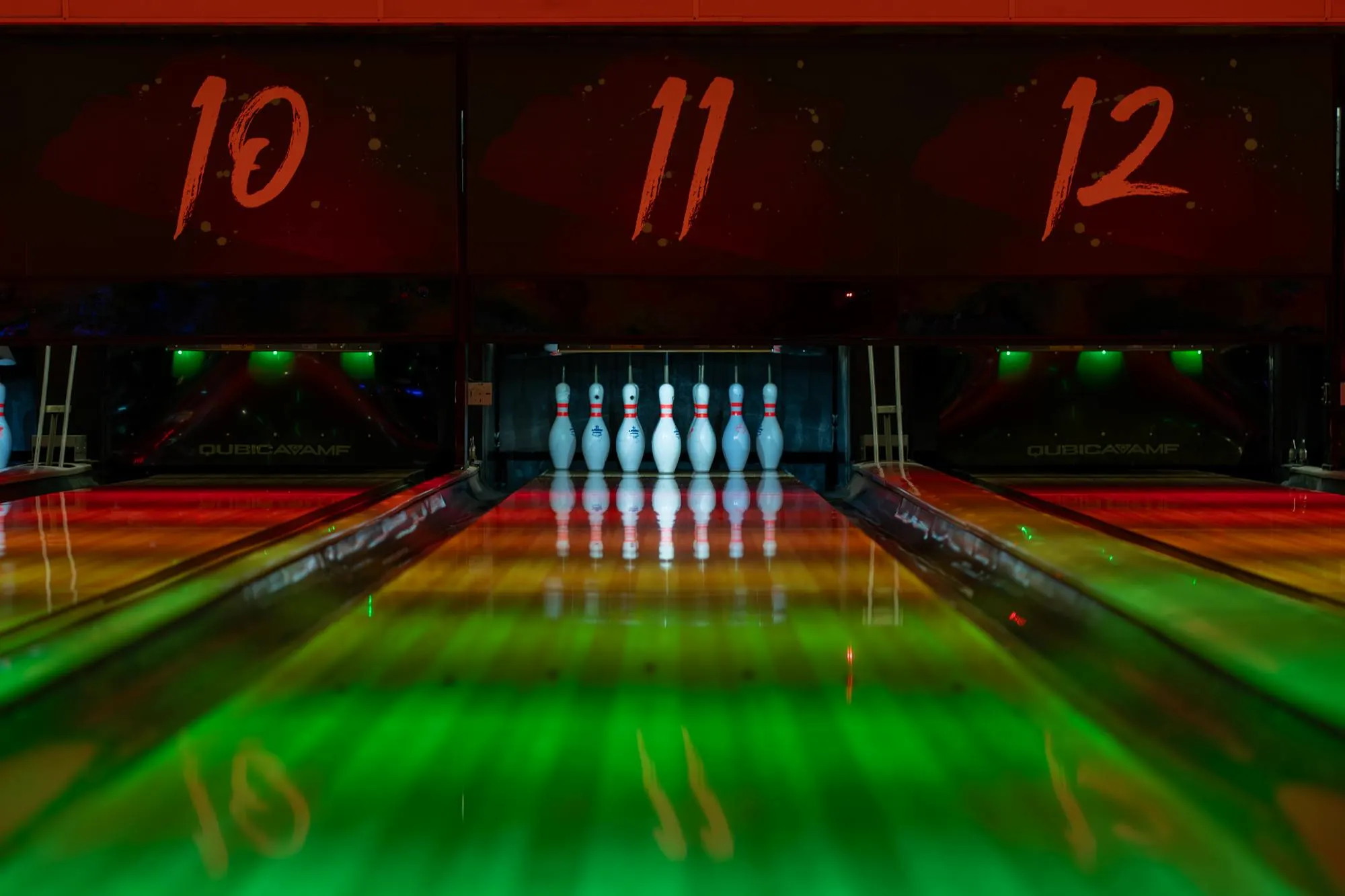
Glow bowling is often the busiest and best paid time of the week. In Keilarata.fi it is part of the normal lane calendar, with its own price rules. You decide on which days and at which hours glow bowling runs, and the booking page charges the right price for each time slot.
Set glow prices by weekday and hour
A glow bowling price rule has its own days, hours and hourly price. Outside those hours the base price applies, so one evening can have normal bowling first and glow bowling later.
- Own glow price for each weekday and time window
- Special prices for holidays and events
- The price is calculated from your rules, nobody types it in by hand
Customers see glow slots in the calendar
On the customer booking page, each time slot shows its price, and you can mark glow slots with a glow tag. The customer knows what they are booking and what it costs before they pay.
- A glow tag on glow time slots, switched on per price rule
- The price shown next to each time slot
- The glow price applies by time, so the customer does not need to choose it
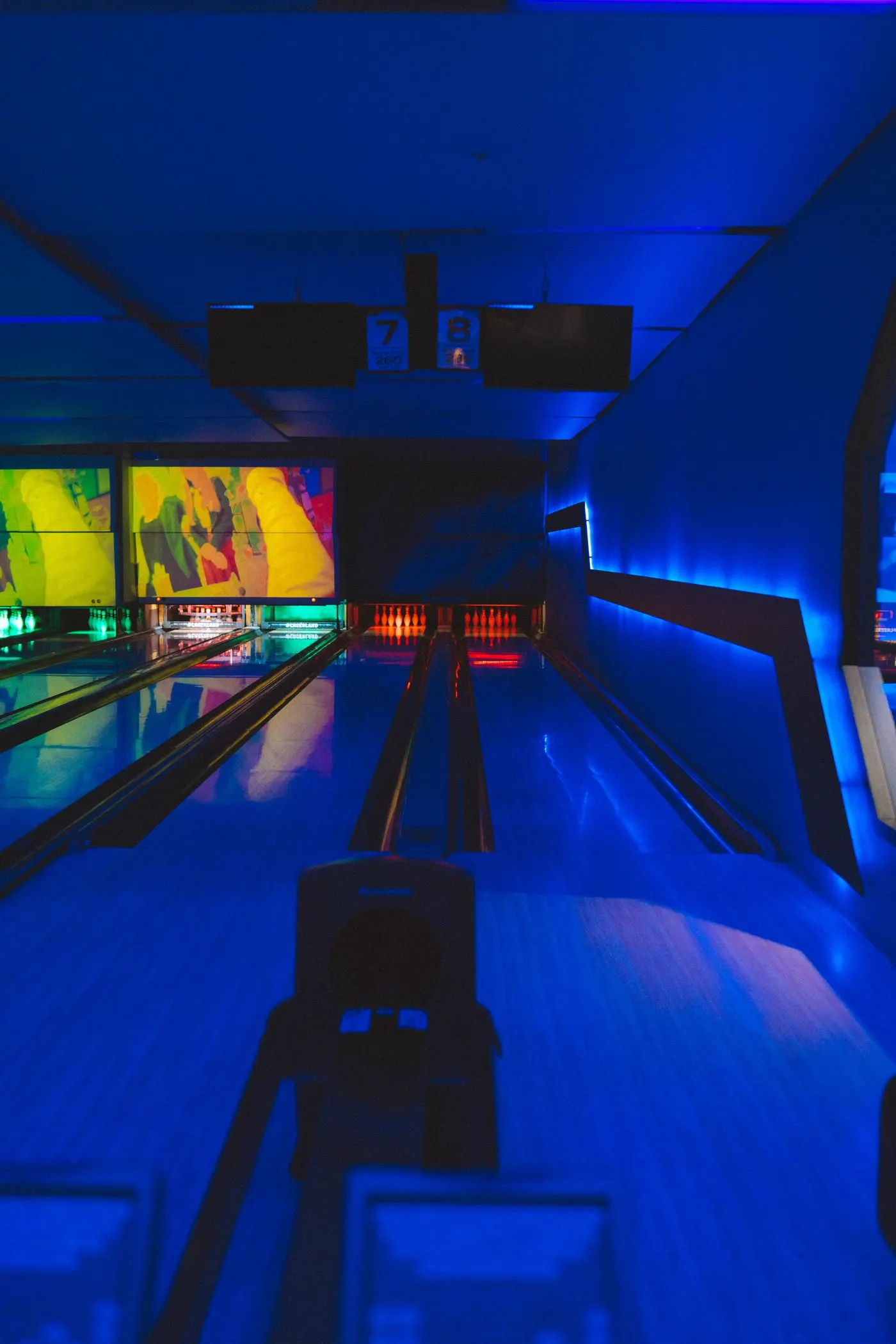

Glow bookings stand out in your calendar
In the admin lane calendar glow bowling bookings have their own colour, so staff see at a glance how the evening is filling up.
- Glow, normal and competition bookings in different colours
- Add phone bookings to the glow hours yourself
- Choose the glow colour yourself in the settings
Paid online or at the venue
Glow bowling bookings are paid like any other booking: online through Stripe, at the venue, or either, depending on what you offer.
- Card, Apple Pay and Google Pay through Stripe
- Payment at the venue if you allow it
- Extras such as shoes added to the same payment
Groups and parties on glow evenings
Glow bowling is often booked by groups, birthday parties and work teams. They can book several lanes at once and add extras to the same booking, so the whole evening is paid in one go.
- Several lanes in one booking
- Shoes, food, drinks or party packages as extras
- Discount codes for campaigns and partners



Glow bowling by phone or online
Glow evenings fill up fast. This is how the two ways of booking compare.
| Topic | By phone | Online with Keilarata.fi |
|---|---|---|
| Price | Staff tell the price for the time asked | The glow price is shown for each time slot |
| Busy evenings | Calls come in while staff serve customers | Customers book themselves, staff serve the hall |
| Payment | At the venue | Online when booking, or at the venue if you allow it |
| Lane situation | Checked by staff | Updates as soon as a booking is made |
Price
- By phone
- Staff tell the price for the time asked
- Online with Keilarata.fi
- The glow price is shown for each time slot
Busy evenings
- By phone
- Calls come in while staff serve customers
- Online with Keilarata.fi
- Customers book themselves, staff serve the hall
Payment
- By phone
- At the venue
- Online with Keilarata.fi
- Online when booking, or at the venue if you allow it
Lane situation
- By phone
- Checked by staff
- Online with Keilarata.fi
- Updates as soon as a booking is made
Phone bookings for glow bowling go into the same calendar, so the online booking page never offers a lane that is already taken.
Questions about glow bowling bookings
Can glow bowling have its own price?
Yes. You set the glow bowling hours and prices for each weekday. The booking page charges the glow price automatically for those hours.
Do customers see which times are glow bowling?
Yes. Every time slot shows its price, and you can switch on a glow tag for the glow price rule so the slots are marked in the customer booking calendar.
Can one evening have normal bowling and glow bowling?
Yes. The glow price applies only inside the hours you set. Before that the base price applies.
How do customers pay for glow bowling?
The same way as other bookings: online through Stripe, at the venue, or either, as you choose.
Can staff add glow bookings by hand?
Yes. Staff add phone and walk-in bookings in the admin calendar, and they show there with the glow colour.
Can I change glow prices for a holiday?
Yes. Special prices for single dates, such as holidays and events, apply on top of your normal price rules.
Can a group book several lanes for glow bowling?
Yes. The customer chooses several free lanes in one booking and can add extras such as shoes to the same payment.
Read more
- Bowling alley booking softwareLane bookings, online payments and the admin calendar.
- Competitions and seriesOnline registration, entry fees and lane assignment.
- All featuresEverything the booking page and the admin panel can do.
- PricingThe plans, their prices and what each one includes.
- Try the demoBook a lane at an example alley. No sign-up needed.
Try a glow bowling booking
The demo alley has glow bowling in the evening. Book a glow slot to see the flow, then join the waitlist.