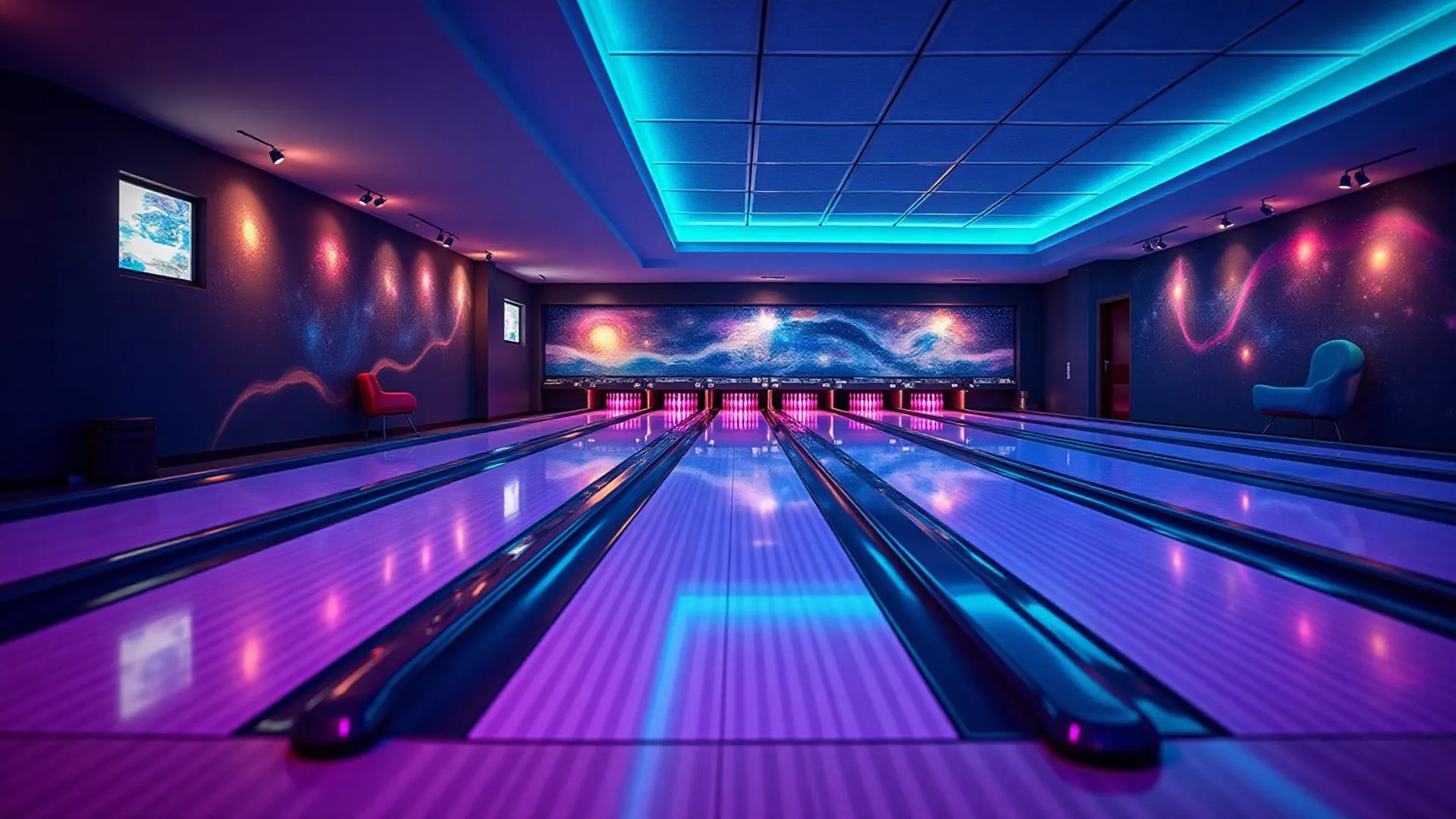
More bookings for your bowling alley, less hassle.
Keilarata.fi is modern, easy-to-use booking software for bowling alleys, built in Europe. Take bookings automatically around the clock and sell extras with every booking. The clear admin panel works just as well on a computer as on a phone, so you can manage lanes, prices and opening hours from anywhere.
Already taking real bookings at a Finnish bowling centre.

Easy to start, built for phones
You set it up yourself
Add your lanes, opening hours, prices and payment options in the admin panel. It is easy to set up, and the setup fits into an afternoon. New alleys join through the waitlist, and we approve each account before it goes live.
Booking and paying on a phone
Customers book and pay on their phone by card, Apple Pay or Google Pay where enabled, or choose to pay at the venue. Staff can check and change bookings on a phone too. In Finland, Keilarata.fi is one of the few bowling booking systems that is built for phones and takes payments online.

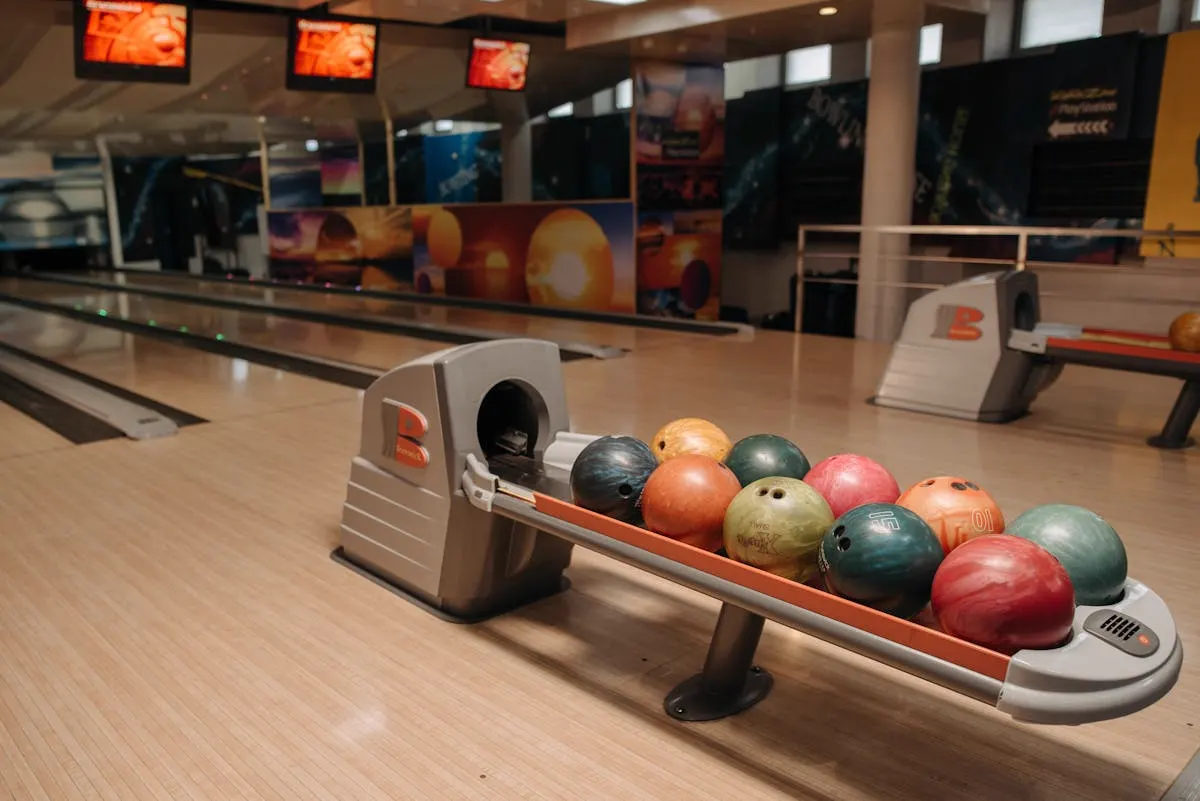
Customers book when it suits them
Your booking page shows which lanes are free right now. Customers pick a time, add extras and pay, at three in the morning as easily as at noon. Each booking appears in your calendar straight away, so a lane is never sold twice.
- Live lane availability, updated as bookings come in
- Card, Apple Pay or Google Pay through Stripe, payment at the venue, or both. You decide what to offer.
- Booking confirmation by email, from a template you can edit
- Your own questions on the booking form, such as an invoicing address
Glow bowling and competitions are built in
The busiest evenings of the week need more than a lane calendar.
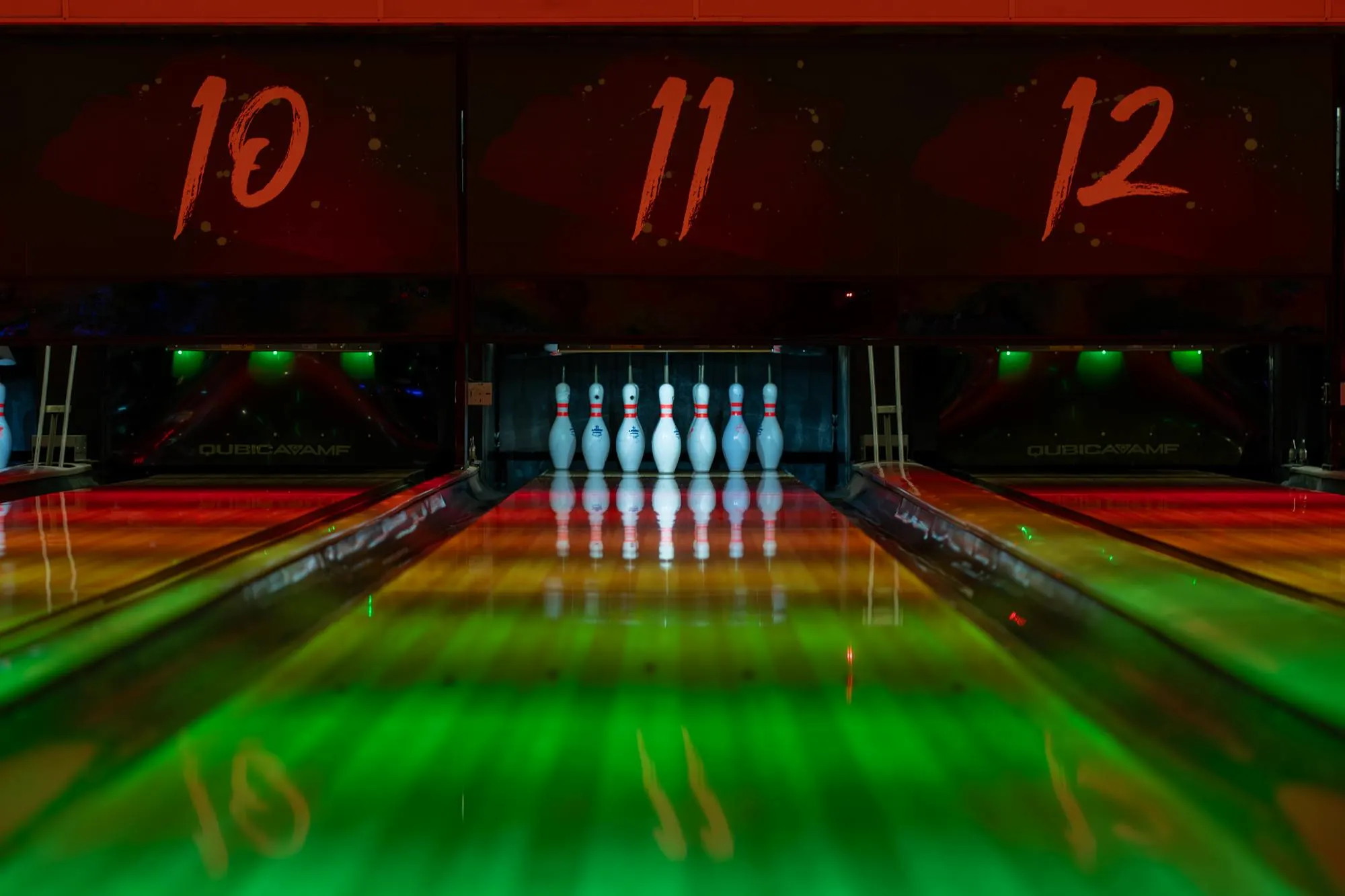
Glow bowling
Set glow bowling hours and prices for each day of the week. Customers see glow slots in the same calendar and pay the glow price automatically.

Competitions
Publish a competition with classes, an entry fee and a participant limit. Players register online, and the lanes are reserved in your calendar. A weekly or monthly series is created in one go.
Everything the front desk needs
The admin panel covers the daily work of a bowling alley, from pricing to the month-end report.
- Pricing rules
- Prices by weekday and time of day, plus special prices for holidays and events.
- Extras
- Sell shoes, food, drinks or party packages together with the booking.
- Discount codes
- Create codes for campaigns, partners and regular customers.
- Loyalty stamp cards
- Customers collect stamps from their visits and get a reward when the card is full.
- Customer register
- Contact details and booking history for every customer in one place.
- Reports
- Sales and booking reports, and official Stripe financial reports for bookkeeping.
- Team roles
- Staff get their own logins with the access their role needs.
- Email templates
- Edit the confirmation emails your customers receive.
- Booking colours
- Colour-code bookings in the calendar, for example open invoices.
- Finnish and English
- Customers can book in Finnish or English.
How to get started
Set up your alley
Add your lanes, opening hours, prices and payment options in the admin panel. A checklist guides you through it.
Share your booking page
Your alley gets its own booking page at keilarata.fi/your-alley. Link to it from your website and social media.
Take bookings
Bookings and payments arrive in your calendar, and customers get a confirmation by email.
Questions from bowling alleys
What is Keilarata.fi?
Keilarata.fi is an online booking system made for bowling alleys. Customers book lanes, glow bowling and competition places online, and staff manage bookings, pricing and customers in one admin panel. It runs in the browser on a computer, tablet or phone.
Is it hard to set up?
No. Keilarata.fi is easy to set up: you add lanes, opening hours, prices and payment options yourself in the admin panel, and a checklist shows what is still missing. It runs in the browser on a computer, tablet or phone.
Does it work on phones?
Yes. The customer booking page is designed for phones first, and customers can pay by card, Apple Pay or Google Pay where enabled. The admin panel also works on a phone, so staff can check and change bookings away from the front desk.
How do customers pay?
Customers pay online through Stripe by card, or by Apple Pay or Google Pay where enabled, or they pay at the venue. The alley decides which options to offer. Online payments go to the alley's own Stripe account.
Can glow bowling have its own price?
Yes. You set glow bowling hours and prices for each day of the week. Customers see glow slots in the booking calendar and are charged the glow price.
Does it handle competitions?
Yes. You can publish competitions with classes, entry fees and a participant limit, and players register online. The lanes for the competition are reserved in the calendar automatically, and recurring series can be created weekly or monthly.
Is Keilarata.fi already in use?
Yes. A Finnish bowling centre has taken its bookings through Keilarata.fi for about a year. We are now opening the service to more alleys in stages, through the waitlist.
Which languages are supported?
The customer booking pages and this website are available in Finnish and English.
How do we get started?
Join the waitlist. Once your alley is approved, you set up lanes, opening hours, prices and payments yourself in the admin panel. You can try the demo first: it shows the customer booking flow with an example alley, and no sign-up is needed.
Try the booking flow yourself
The demo shows the booking page your customers would use. When you are ready, join the waitlist and we will be in touch.